


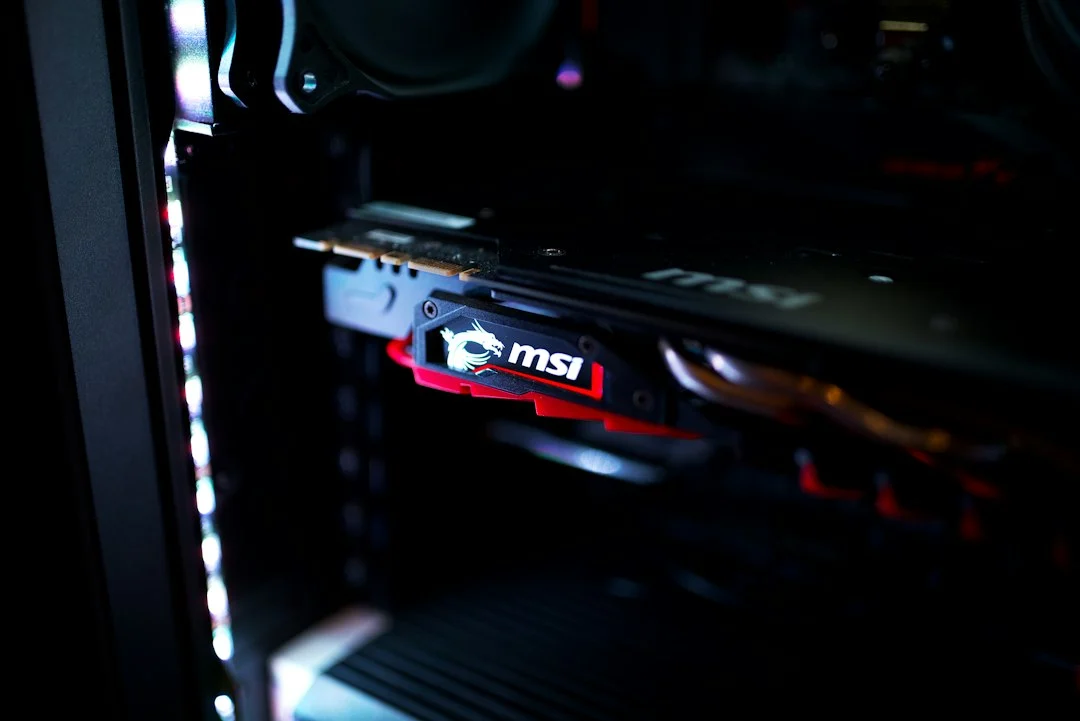
GPU Server Capacity Planning: How to Size Infrastructure for AI Workloads
Learn how to size GPU infrastructure for AI training and inference by estimating compute, memory, storage, networking, power, and future scaling needs.
SEO Title: GPU Server Capacity Planning for AI Workloads
Meta Description: Learn how to size GPU server infrastructure for AI training and inference. Estimate compute, VRAM, storage, networking, power, and scaling needs.
Slug: gpu-server-capacity-planning-ai-workloads
Open Graph Description: A practical guide to planning GPU server capacity for AI workloads, from VRAM and interconnects to storage throughput, power, and deployment choices.
Featured Image ALT: GPU servers in a data center with airflow aisles and network connections, illustrating AI infrastructure capacity planning.
GPU Server Capacity Planning: How to Size Infrastructure for AI Workloads
Executive Summary
GPU server capacity planning is the process of matching AI workload requirements to the compute, memory, storage, networking, power, and operational capacity of a server or cluster. The objective is not simply to buy the largest GPU available. It is to provide enough usable capacity for the workload‘s model, data, performance targets, and growth expectations without paying for resources that remain idle or creating bottlenecks that prevent GPUs from being used effectively.
Start with the job: identify whether the workload is model training, fine-tuning, batch inference, or interactive inference. Estimate model memory requirements, concurrency, data volume, and acceptable response time. Then evaluate the complete system: GPU memory and count, CPU and system RAM, local and shared storage, inter-GPU and network bandwidth, power, cooling, and software compatibility. A practical capacity plan includes headroom, a representative benchmark, and a defined scaling path.
For many organizations, a single well-balanced GPU server is a better first step than a multi-node cluster. Distributed infrastructure makes sense when the model or throughput target cannot fit on one host, or when uptime and aggregate capacity requirements justify the extra networking and operations complexity. Capacity planning should be treated as an ongoing engineering practice: measure actual utilization, test against production-like data, and revise estimates as models and demand change.
Key Takeaways
- Choose GPU capacity based on the workload and service target, not on GPU count alone.
- GPU memory, interconnects, storage throughput, and network bandwidth can limit performance even when advertised compute is high.
- Training, fine-tuning, and inference have different capacity profiles; do not use one sizing formula for every AI job.
- Benchmark the intended model, software stack, input sizes, and concurrency before committing to production capacity.
- Include operational headroom for bursts, model updates, failures, and future growth.
- Compare total cost of ownership across purchasing, leasing, cloud GPU instances, and managed hosting—not just hourly or hardware prices.
Introduction
A GPU server can look impressive on a specification sheet and still be poorly matched to the job it is meant to run. A large model may not fit in available video memory. A training process may wait on a slow dataset pipeline. An inference service may meet average latency targets but fail during concurrent requests. In each case, the visible shortage might seem to be
Frequently Asked Questions
How can I tell whether a workload needs multiple GPU servers rather than a larger single server?
First check whether the model, required GPU memory, and target throughput fit on one host. A multi-node setup is worth considering when a single server cannot meet those needs, or when uptime and aggregate capacity require it. Account for the added interconnect, networking, software, and operational complexity, and benchmark distributed execution before expanding.
Why can a server with powerful GPUs still deliver poor AI performance?
GPU compute is only one part of the system. Limited VRAM may prevent the model from fitting, while slow storage or data loading can leave GPUs waiting. Weak inter-GPU or network bandwidth can also constrain distributed jobs. Measure the full workload and identify the bottleneck rather than assuming that adding GPUs will solve it.
Should capacity be planned differently for training, fine-tuning, and inference?
Yes. These jobs have different memory, compute, data, and response-time demands. Training may require substantial compute and fast data delivery; fine-tuning depends on the method and model size; inference sizing depends heavily on request volume, concurrency, and latency targets. Use workload-specific estimates and benchmarks instead of applying one GPU-count formula to every job.
What should a representative GPU capacity benchmark include?
Use the intended model, software stack, input sizes, and production-like data, then test the expected concurrency and performance target. Measure GPU utilization, memory use, throughput, and response time, while checking whether storage, networking, or data preparation limits the run. This reveals whether the proposed system can handle real operating conditions.
How much spare capacity should a GPU server plan include?
There is no universal percentage: headroom should reflect demand variability and operational needs. Plan for bursts, model updates, failures, and expected growth, and verify that the service can still meet its targets under those conditions. Track actual utilization after launch and revise the estimate as workloads and demand change.